Plants vs Zombies Fusion Mode
More Games to Try
Similar Casual Games

Other Action Games
Tower defense fans can dive into a high-stakes strategy experience where biological synergy becomes your most powerful weapon against an ever-advancing zombie horde. In this browser-based game you don’t just plant seeds—you engineer a superior army by fusing two or more plants to create warriors with stacked abilities perfectly tuned for each wave. Progressive difficulty challenges players to master plant combos, while daily login rewards keep the action fresh and rewarding. A vast collection of unlockable skins lets you customize your fusion forces and showcase your tactical flair. Best of all, the game requires zero downloads, delivering instant, high-octane tower defense fun straight...
How to Play
- Click Play to start Plants vs Zombies Fusion Mode in your browser.
- Follow the on-screen instructions to learn the controls.
- Complete levels and beat your high score!
Controls
- Input setup
- Click inside the player first if Plants vs Zombies Fusion Mode does not respond, then use the opening seconds to confirm the exact movement and action inputs shown by the game.
- Movement
- Keep enough space to dodge or retreat before attacking; standing still usually makes enemy patterns harder to recover from.
- Attacks
- Use short, controlled bursts of action instead of spending every attack at once, especially while you are still learning cooldowns.
Plants vs Zombies Fusion Mode Tips
- Take fights from angles where you still have room to retreat.
- Do not spend every attack at once if enemies can punish you during recovery.
- Clear immediate threats first, then chase score, upgrades, or objectives.
Plants vs Zombies Fusion Mode FAQ
- Is Plants vs Zombies Fusion Mode free to play?
- Yes, Plants vs Zombies Fusion Mode is completely free to play on GameVertex. No account and no download are needed.
- Can I play Plants vs Zombies Fusion Mode without downloading?
- Yes, Plants vs Zombies Fusion Mode runs directly in your browser. Open the player, click Play, and the game loads on the page.
- What type of game is Plants vs Zombies Fusion Mode?
- Plants vs Zombies Fusion Mode is a action game. Play Plants vs Zombies Fusion Mode online for free on GameVertex. Enjoy fast-paced action gameplay, smooth controls, and no downloads required.
Why Plants vs Zombies Fusion Mode Is Worth Playing
What makes Plants vs Zombies Fusion Mode worth playing is that it delivers a strong identity early without becoming one-note. The combination of free to play in your browser, no download or installation required, fun horror gameplay, works on desktop and mobile, action, casual, and single Player gives every session a distinct texture, while the rules remain simple enough that new players are not locked out. That balance is rare in free browser games: easy to begin, interesting to revisit, and flexible enough to support both casual curiosity and a genuine improvement loop.
Because the game makes improvement easy to notice, every retry has a good chance of feeling sharper than the one before it. Because the reset cycle is short, failure rarely feels expensive. You learn something, restart quickly, and carry a sharper idea back into the next attempt. That low-friction feedback loop is one of the best reasons people keep browser games in their regular rotation, and Plants vs Zombies Fusion Mode uses it well by turning mistakes into momentum instead of punishment.
There is also value in how naturally the game fits different moods. If you want a quick break, it loads fast and gets to the point. If you want something to master, the mixture of free to play in your browser, no download or installation required, fun horror gameplay, works on desktop and mobile, action, casual, and single Player keeps giving you small decisions to refine. That is the sweet spot for online games: readable enough to recommend to a friend, sticky enough to revisit later, and light enough that jumping back in never feels like work.
Play Plants vs Zombies Fusion Mode on GameVertex
Plants vs Zombies Fusion Mode is available as an embedded browser game, so you can open the player and start without downloading a client or creating an account. Before launch, the page keeps practical context close by: category, tags, related titles, and the current source platform, playgama.com, labeled as stable source.
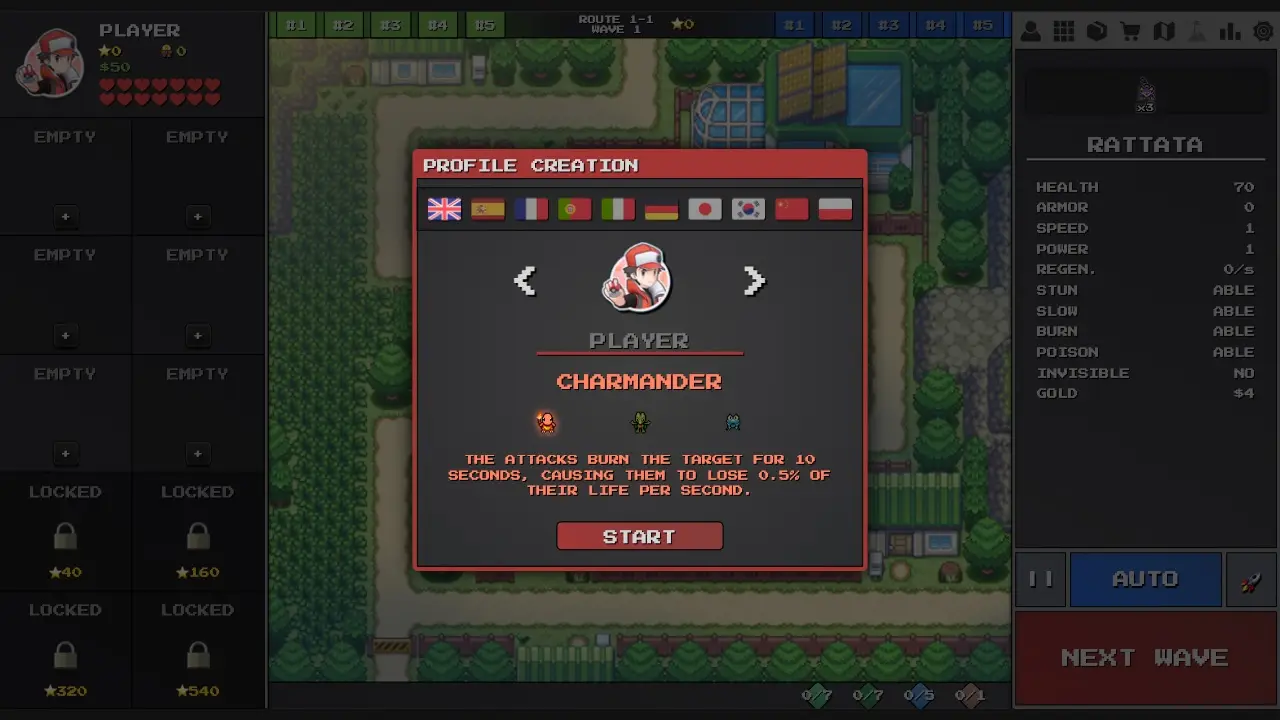
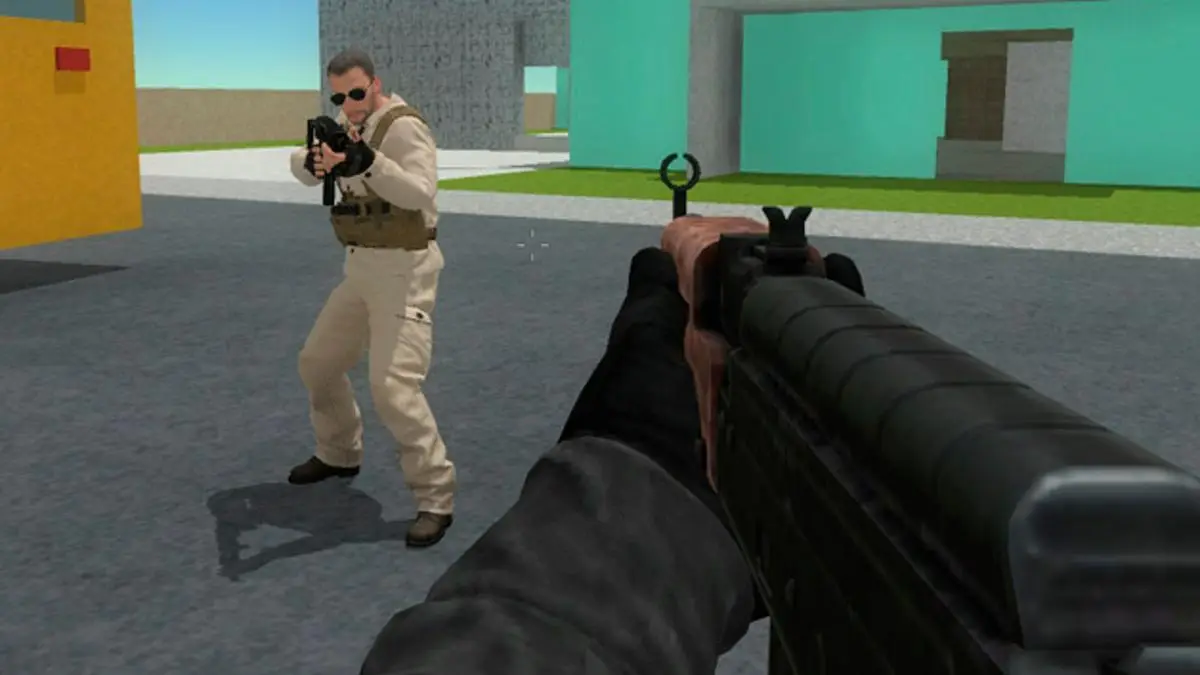
That context matters because a good game portal should do more than host an iframe. GameVertex is built to help you browse quickly, understand what a game offers, and stay in the flow once something clicks. The fullscreen control is easy to reach, the related games section sits close to the player, and the design keeps the focus on playing rather than wading through clutter. If you want another browser hit after this one, GameVertex also points you toward Pokepath TD, Narrow One, and Shell Shockers without making you start your search over.
If you are deciding whether Plants vs Zombies Fusion Mode belongs in your regular rotation, the best answer is to give it a few honest runs. The browser format keeps the commitment low, and the recommendation trail makes it easy to continue exploring after one session ends.